Step-by-step guide on how to
Download/Install and Sign up on Berhiz Sub App.

Step 1: App Download
Download the App and Install on your Android phone as seen below

You can sign up through the Website if you use IOS as you won't be able to install the app cause of the difference in operating system.(AOS vs IOS).
Step 2: Registration
After installation, Open the App and Click that you understand the displayed notification.

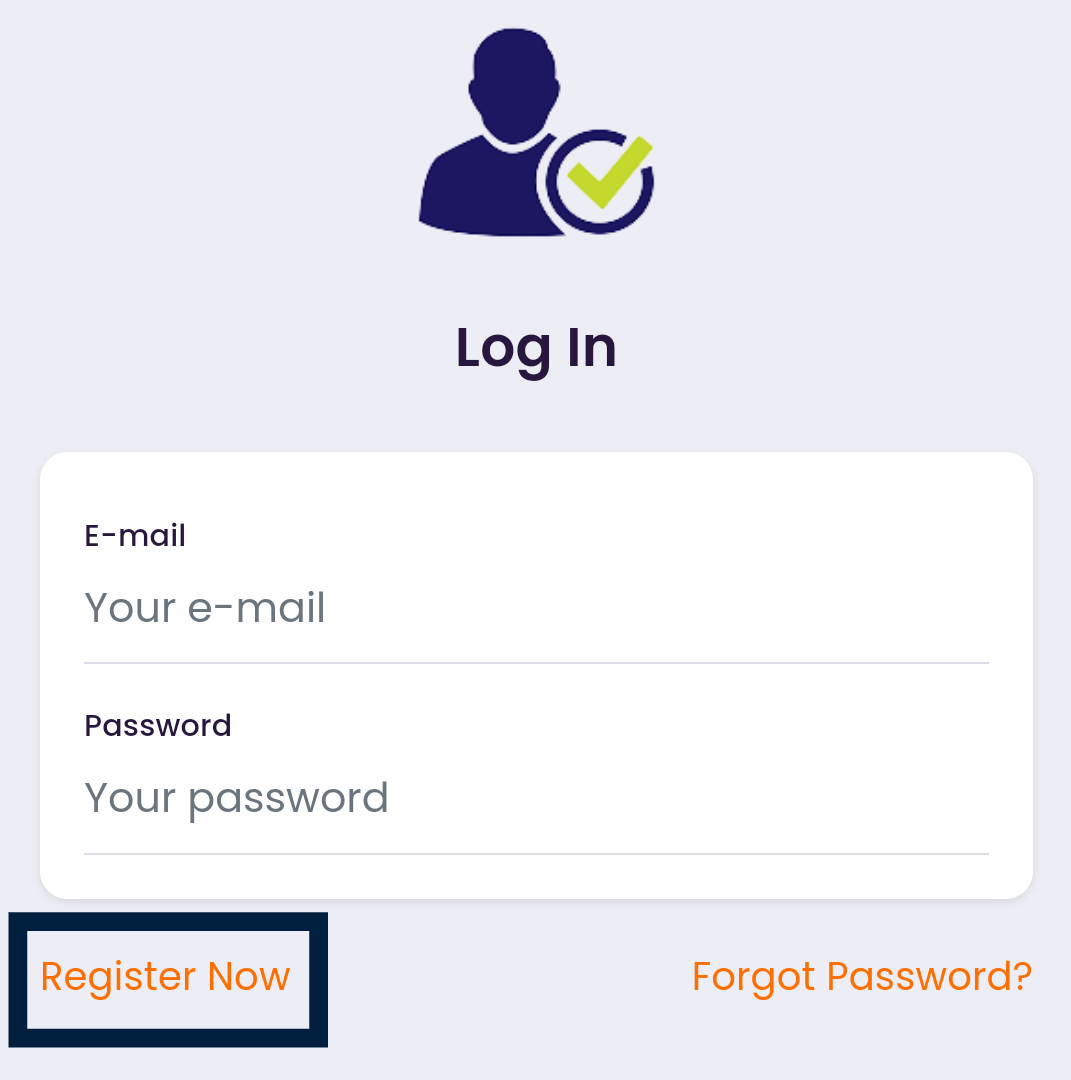
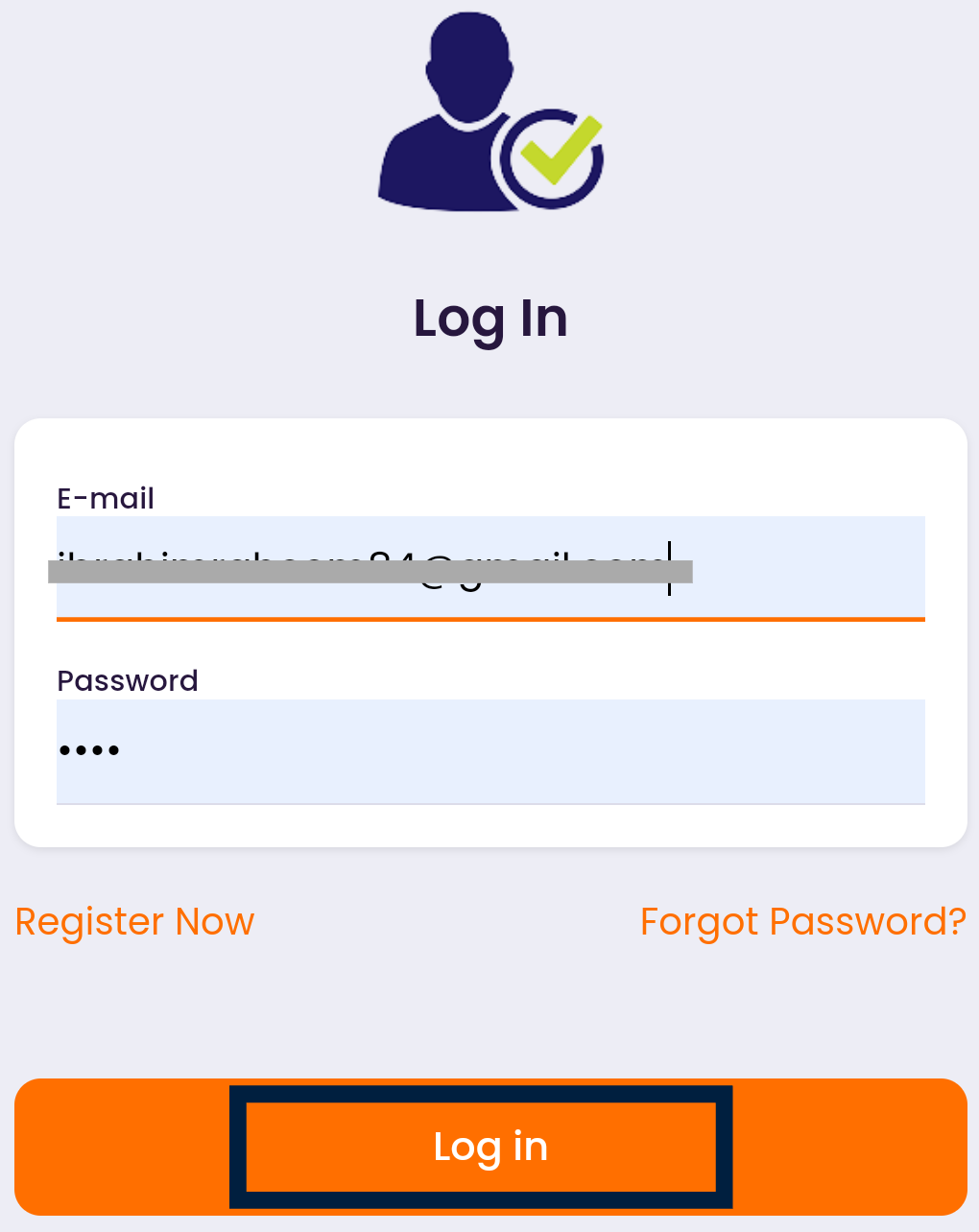
If you are a first user, you would have to click on register, On the registration page, you filled the columns appropriately, then you click register, you can save your login details if the option is displayed. Then you login with your registration details i.e your email and password.
An email will be sent to you for account Activation, after that, you set up your transaction PIN. Note that Transaction PIN is different from your Login password!

Step 3: Wallet Funding
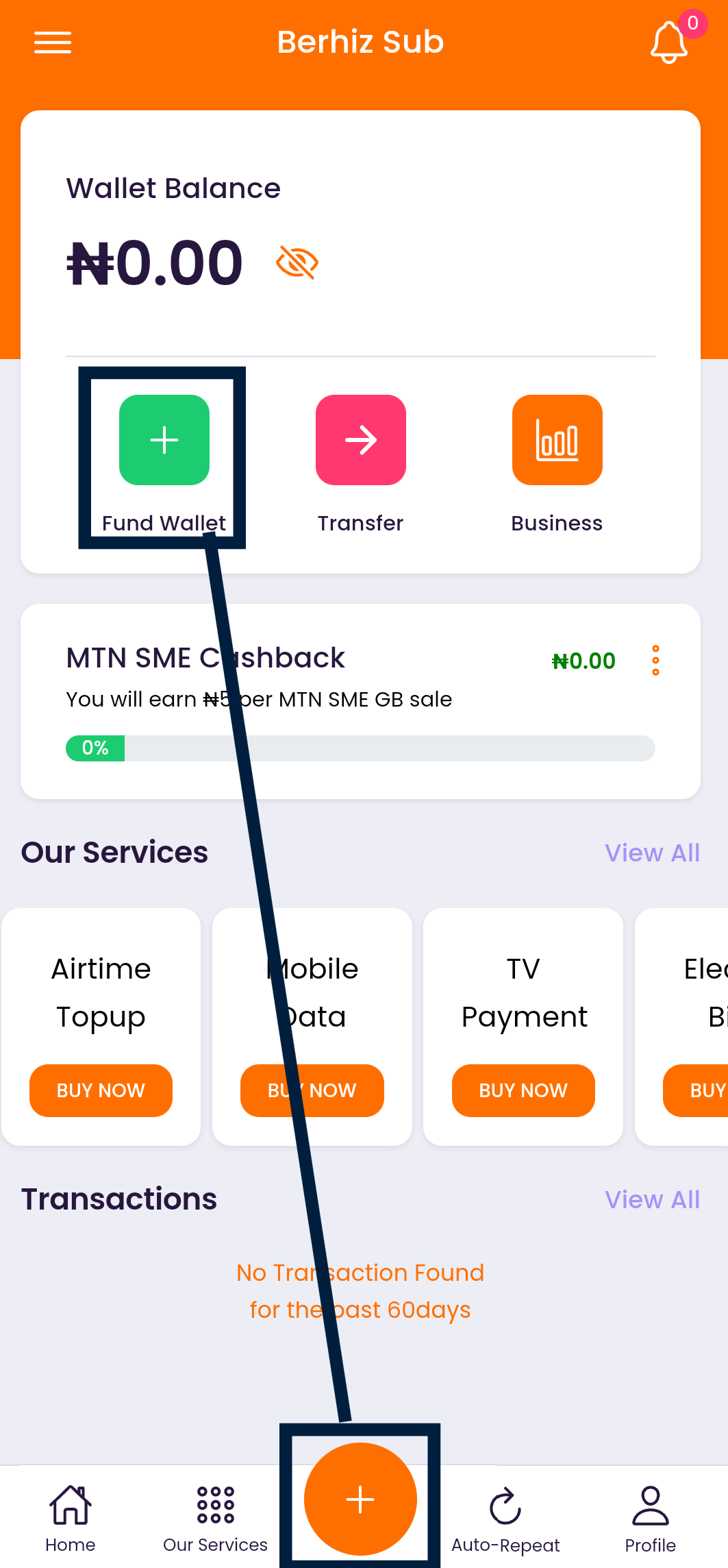
When you are ready to fund, you click on "Fund wallet" at the top left or the plus sign at the button center. Or you just follow the prompt if you are notified.
Funding your wallet can be done in four simple ways depending on your choice:
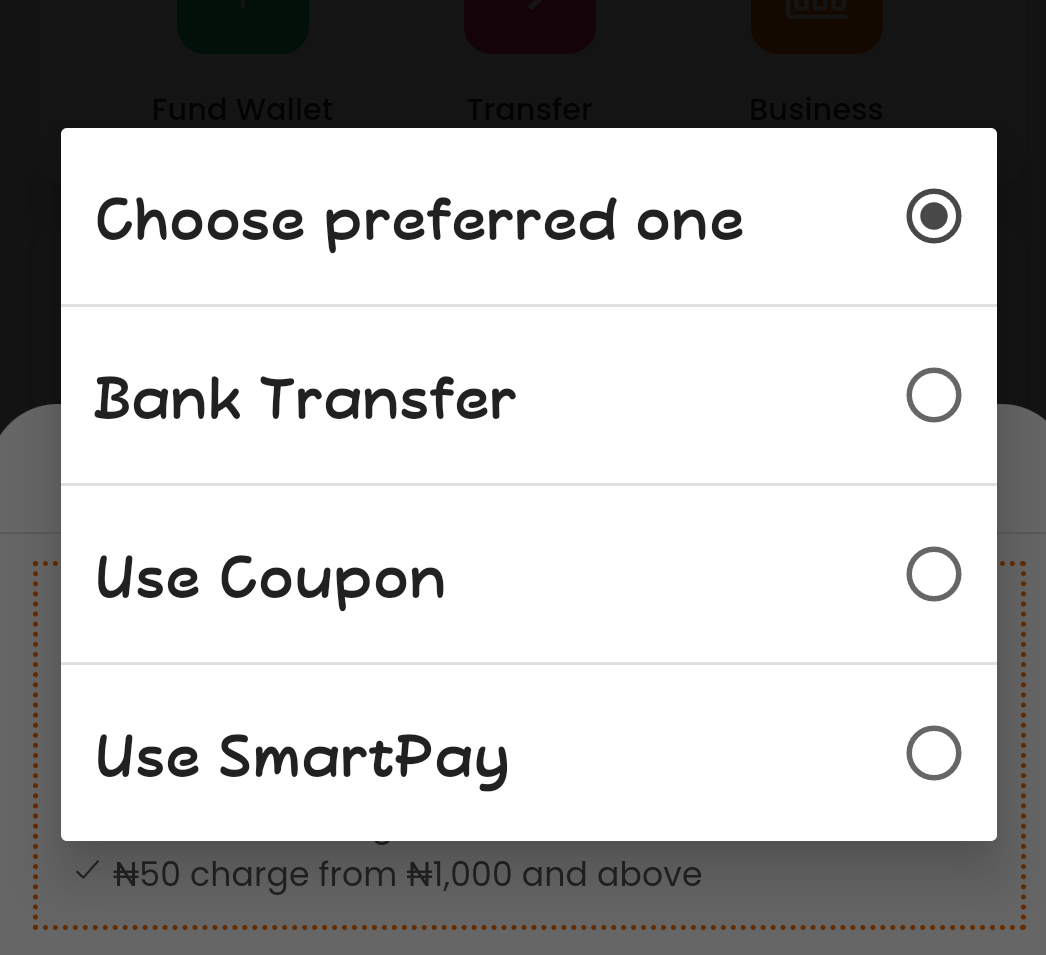
-Automated Funding: You click on generate a bank acc, Follow the prompt to complete the process. Any funds sent to the generated ACC will be credited to your wallet automatically.
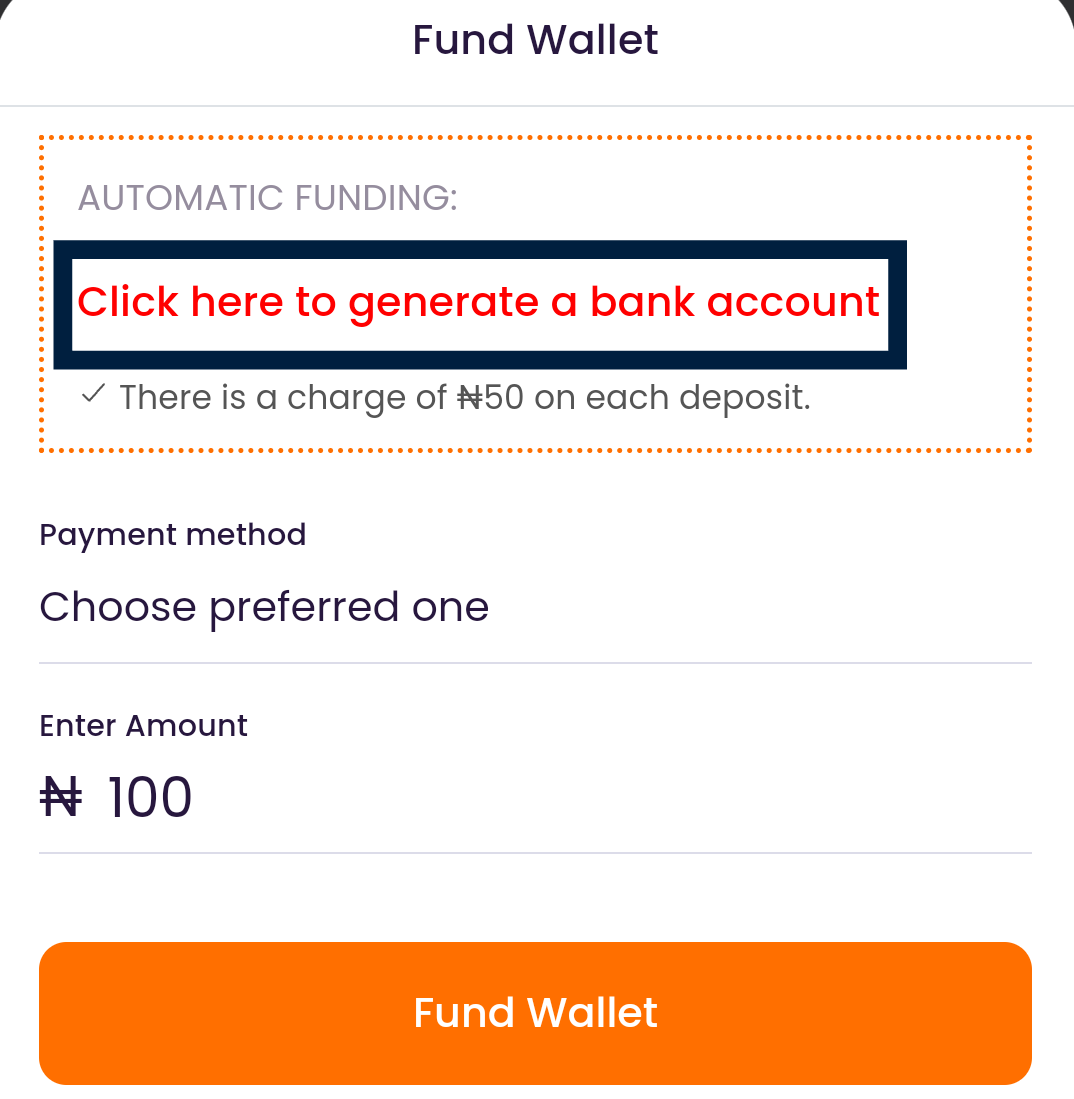
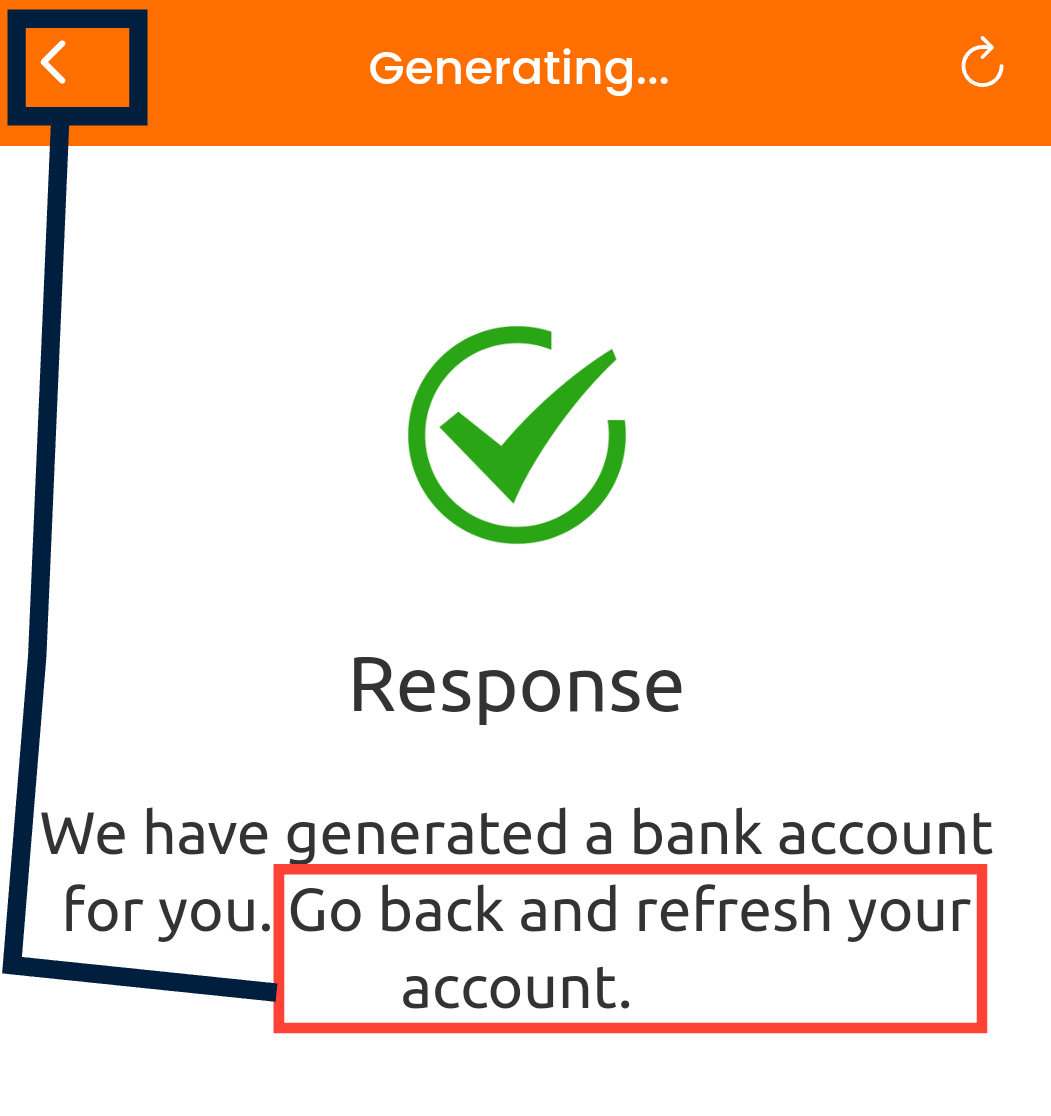
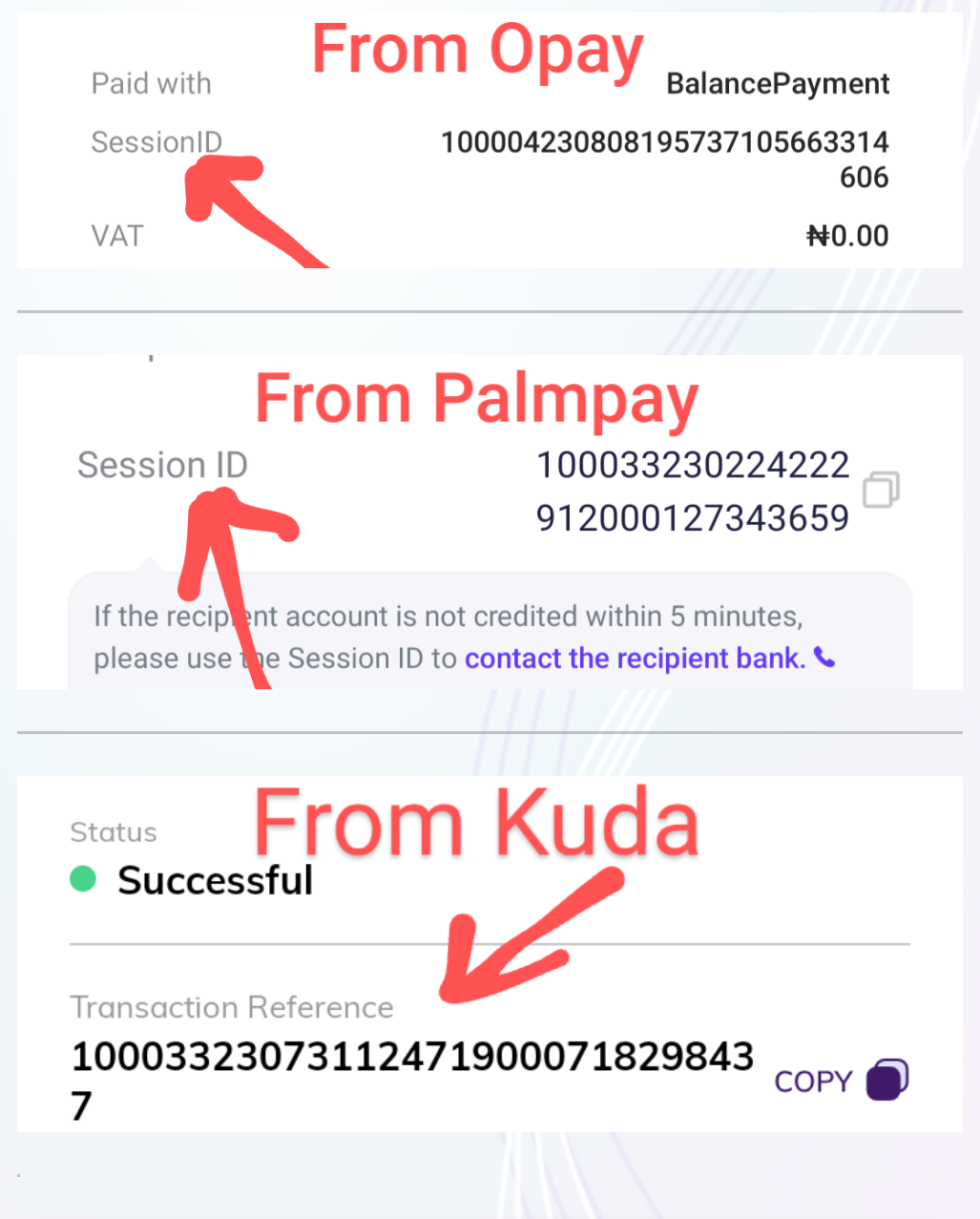
-Smart pay: You would send funds to the displayed acc details, after the money has been sent, you copy the transaction ID to fill in the column and you click Auto fund and wait patiently until your wallet is credited.
PS: it might not work instantly, you just need to patiently continue to click Auto fund until it becomes successful.
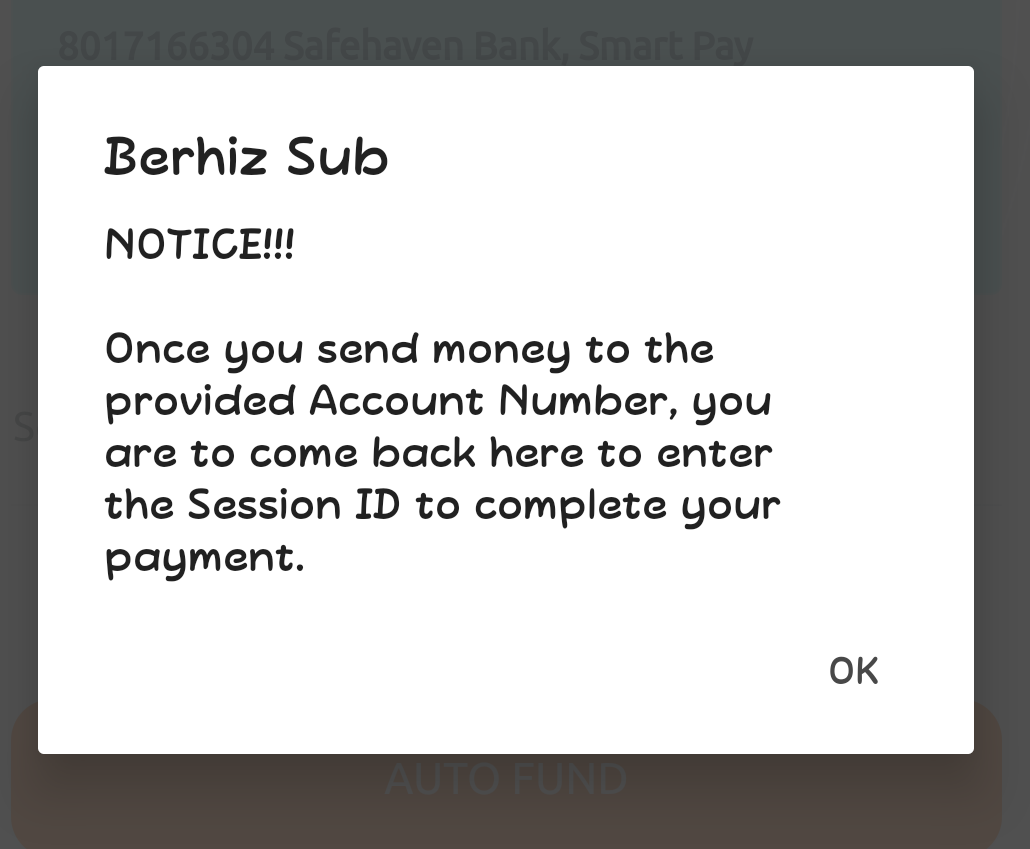
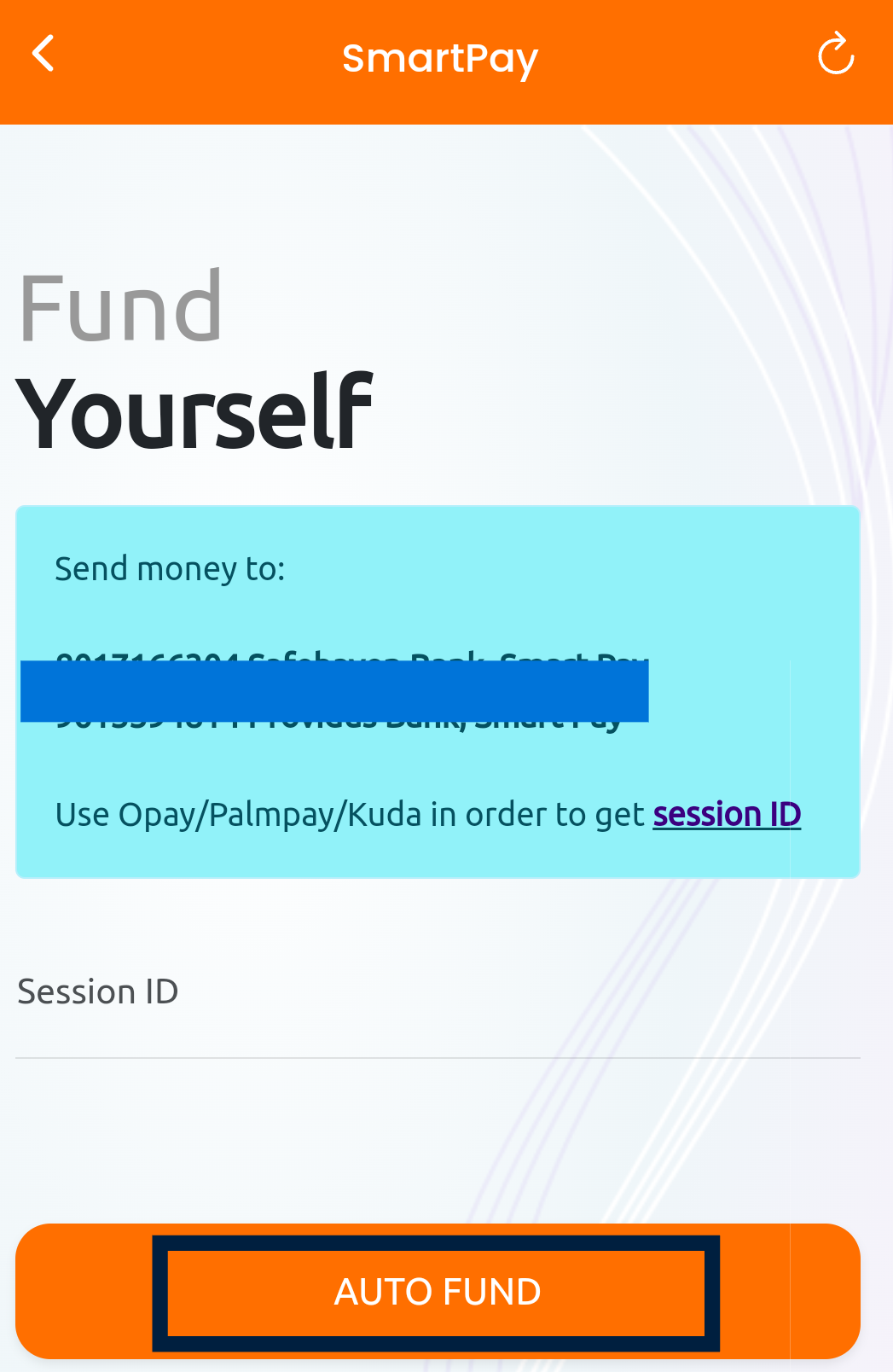
Transaction ID Samples:
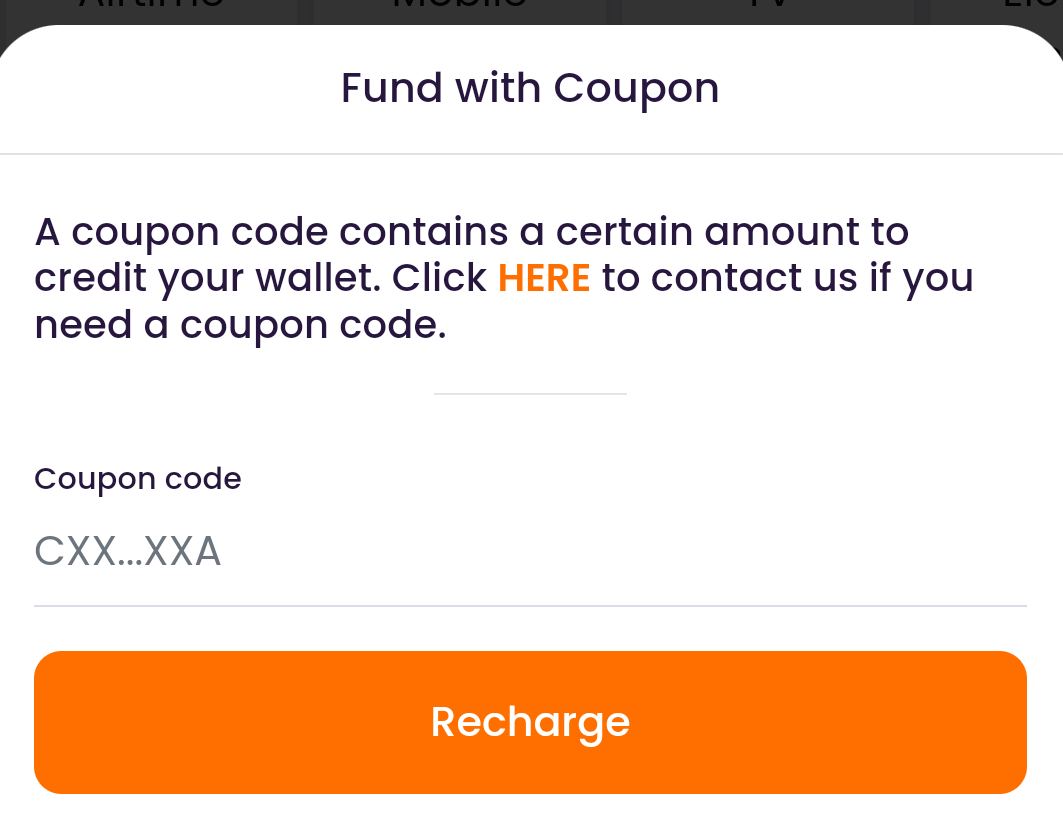
-Coupon: You request for coupon code to fund your account.
-Manual Funding: You send money to a designated account number, upon confirmation, your account will be credited.
Thank you for choosing Berhiz Sub
Comments